
Introduction
EScope is a software oscilloscope and function generator aimed primarily but not exclusively at electrophysiology.
Screenshots
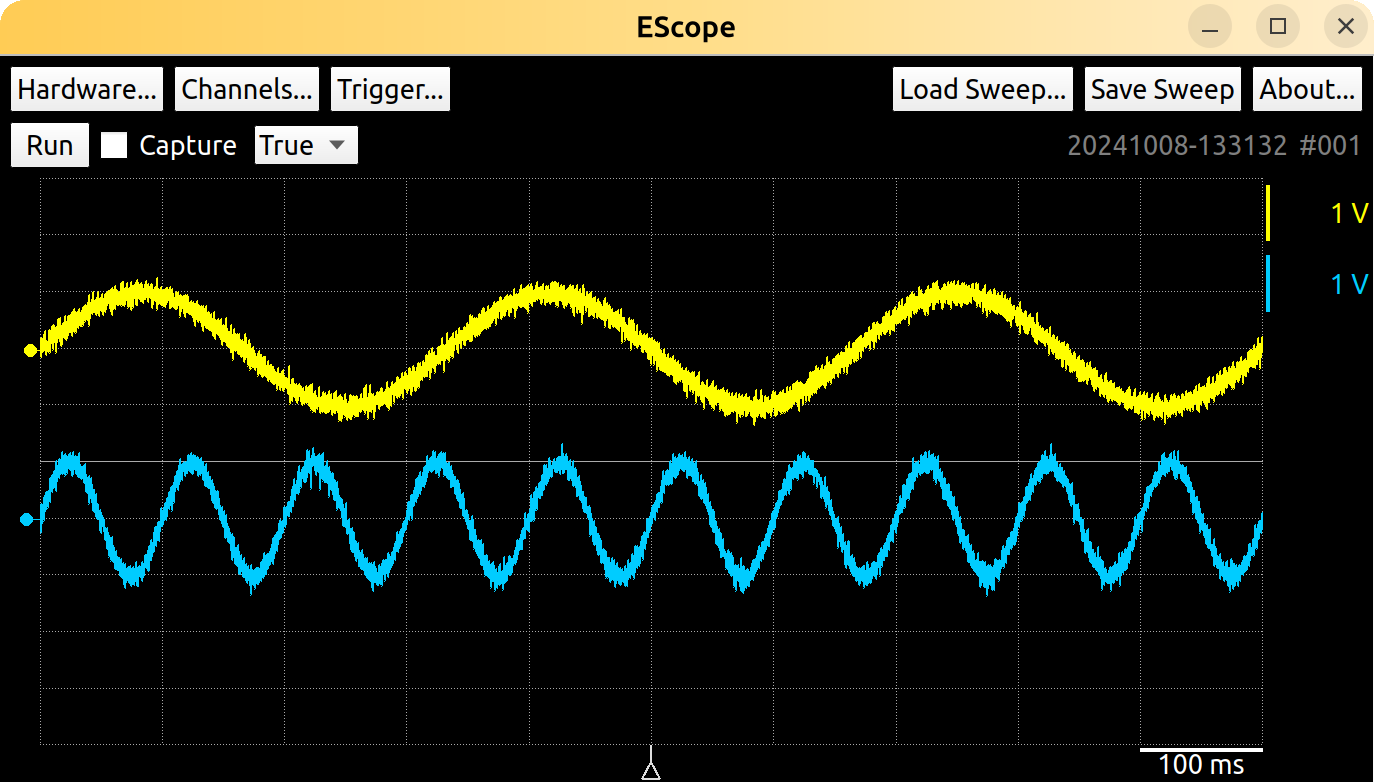
EScope running in “demo” mode on Linux without a DAQ card
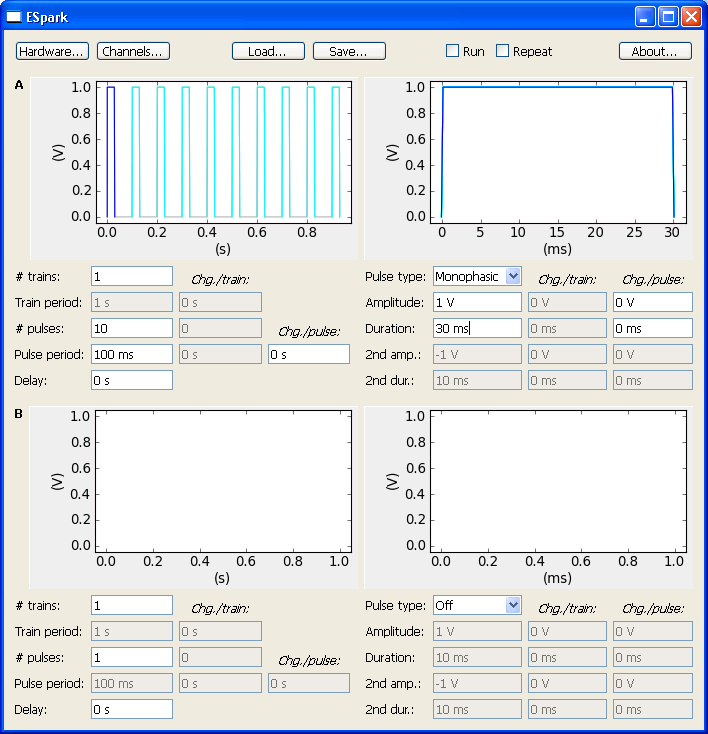
The Stimuli module running on Windows
Features
EScope can display traces from up to eight analog inputs simultaneously, optionally using one of them as a trigger input. As on physical digital storage oscilloscopes, input signals can be DC or AC coupled. The vertical gain and offset can be adjusted by dragging corresponding user interface elements.
EScope can continuously stream acquired data to disk. Alternatively, individually acquired single sweeps can be saved. A Python module is included to conveniently load saved data for further analysis.
EScope contains a “Stimuli” module that can output a variety of pulse waveforms either singly or in programmable trains. Up to four analog or digital channels can be driven concurrently. The software displays previews of the signals to be generated making it particularly easy for students to design complex stimuli.
Actual installation
Compatibility
EScope is compatible with the picoDAQ data acquisition system from Pasadena Neurotech and with most National Instruments multifunction data acquisition boards and does not require a LabView license. The Stimuli module will not work with boards that do not support “hardware-timed” analog output.
The software has been tested on both Windows and Linux. It will likely work on MacOS as well.
Important caveat: National Instruments only fully supports a shockingly small number of their cards on Linux. (Many are supported only with “software timing”, which is completely useless.) Double check before you buy!
Prerequisites
To use with NI hardware, you first need to install the NIDAQmx software. To use with picoDAQ hardware, no additional software is required.
Installation
Installation is as easy as:
   pip install escope

This will pull in several dependencies. You may prefer to set up a
Using the software
Running from the command prompt
To run the software, open a terminal and type:
escope
In Windows, after you run the software in this fashion once, you should be able to run it from the start menu as well. (If you know of a way to make “pip” create a start menu entry, please contact me or open an Issue on github.)
EScope includes a jupyter notebook showing how to load the data it saves. You can also open it in colab.
User guides
For more details on how to use the software, read these chapters:
Development
Development occurs on github.
License information
EScope is free software. Read what that means here: